Many photos at once
Tap Batch to frame up to 25 photos and download them together.

Your people. Your moment. Your Smyle.
Turn event photos into framed stories in just a few taps. A phone-first photobooth with frames and stories, right in your browser.


Good people.
Brighter stories.
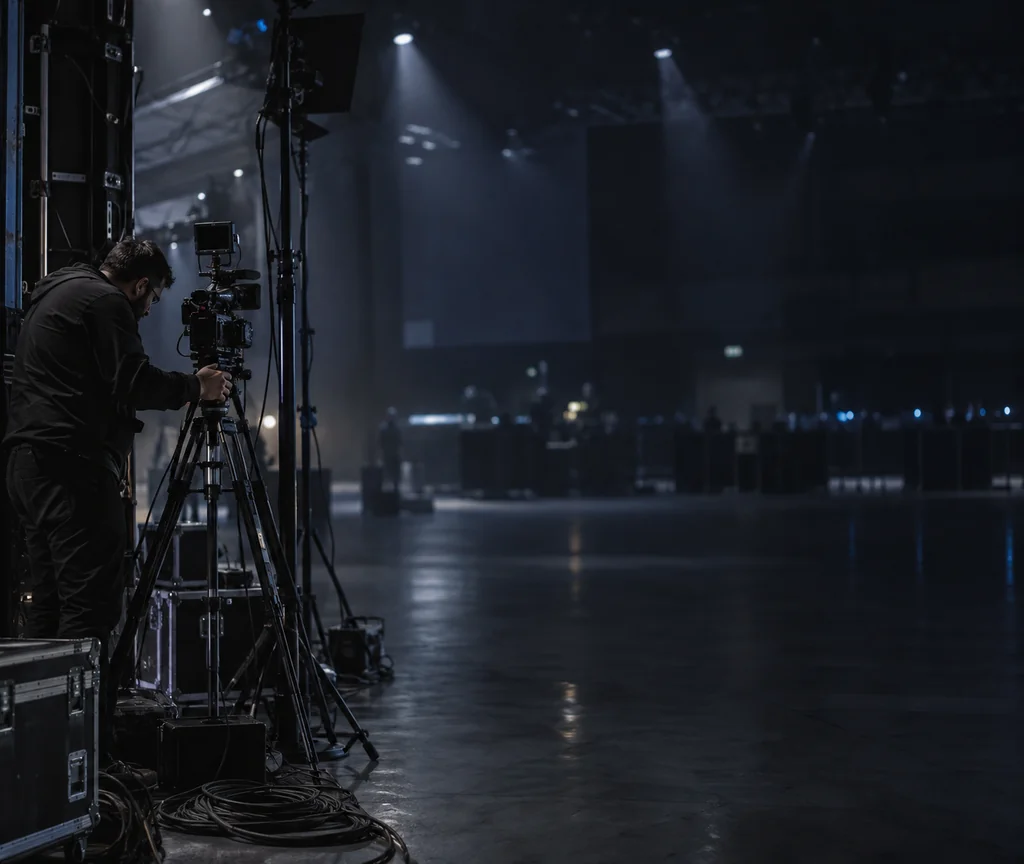
Cables, space and setup take time and people.
Guests don't want another app on their phone.
Great moments deserve more than ordinary photos.

Just a link. No app needed.
Take a photo or upload one.
Make it yours, then share.

Your photobooth,
anytime, anywhere.
Meet Smyle.Studio
Take a photo. Make it yours. Share the moment.
A phone-first photobooth with frames and stories, right in your browser.
Turn your photos into something more —
with frames and stories, right in your browser.


Same moment.
More meaning.
Choose a look. Add your words.
Make it yours.

Choose Vibe Stories for a headline and caption, or write a story of your own.
Illustrative photo and frame examples.
Turn a simple photo into a shareable story
in just a few steps.
If the link opened inside another app such as Messenger, open it in Chrome or Safari so the camera can work.
Not happy with it? Take or upload another one before you tap the round button.
The preview at the top updates as you tap, so try a few before you decide.
Leave a field blank and the studio fills it in for you.
Your email is never shown in the public gallery. Only your name appears with your photo.
Choose a vibe.
Add your words.
Share it.
Tap Batch to frame up to 25 photos and download them together.
Share opens your phone's own share menu, ready to send or post.
Saved photos may appear in the public gallery with your name.
Stand facing a window or a bright area. Light behind you makes your face dark.
Keep it upright and steady, about an arm's length away.
Frames and captions cover the edges and the bottom, so keep your face in the upper middle.
A quick wipe of the camera lens makes the photo noticeably sharper.
No. Smyle.Studio opens in your phone's browser. Tap the link or scan the code and you are in.
Yes. On the camera screen, tap Upload and choose the photo from your phone.
Saved photos can appear in the public gallery with your name. If you do not want that, do not save the photo.
Tap Enable live camera and choose Allow when your phone asks. If it still does not start, tap Use phone camera, or tap Upload and pick a photo you already have. If the link opened inside another app, open it in Chrome or Safari instead.
It asks once, the first time you save on a phone, so your photo can be stored for you. Admins can see your name and email. Your email is never shown publicly.
Yes. Tap Retake on the frame screen to go back to the camera.
Yes. On the camera screen, tap Batch. You can frame up to 25 photos and download them together.
Email hello@smyle.studio with your name and we will take it down.

Turn moments into memories with Smyle.Studio.
Simple for hosts. Fun for everyone.
More Smyles.
Philippines, always.